Turn One Product Photo into a Spoken 9:16 Video Ad
Make a vertical product ad from a single photo and a short spoken script. Preview the framing and voiceover before using HD video credits.
Viewfinder
9:16 FRAME
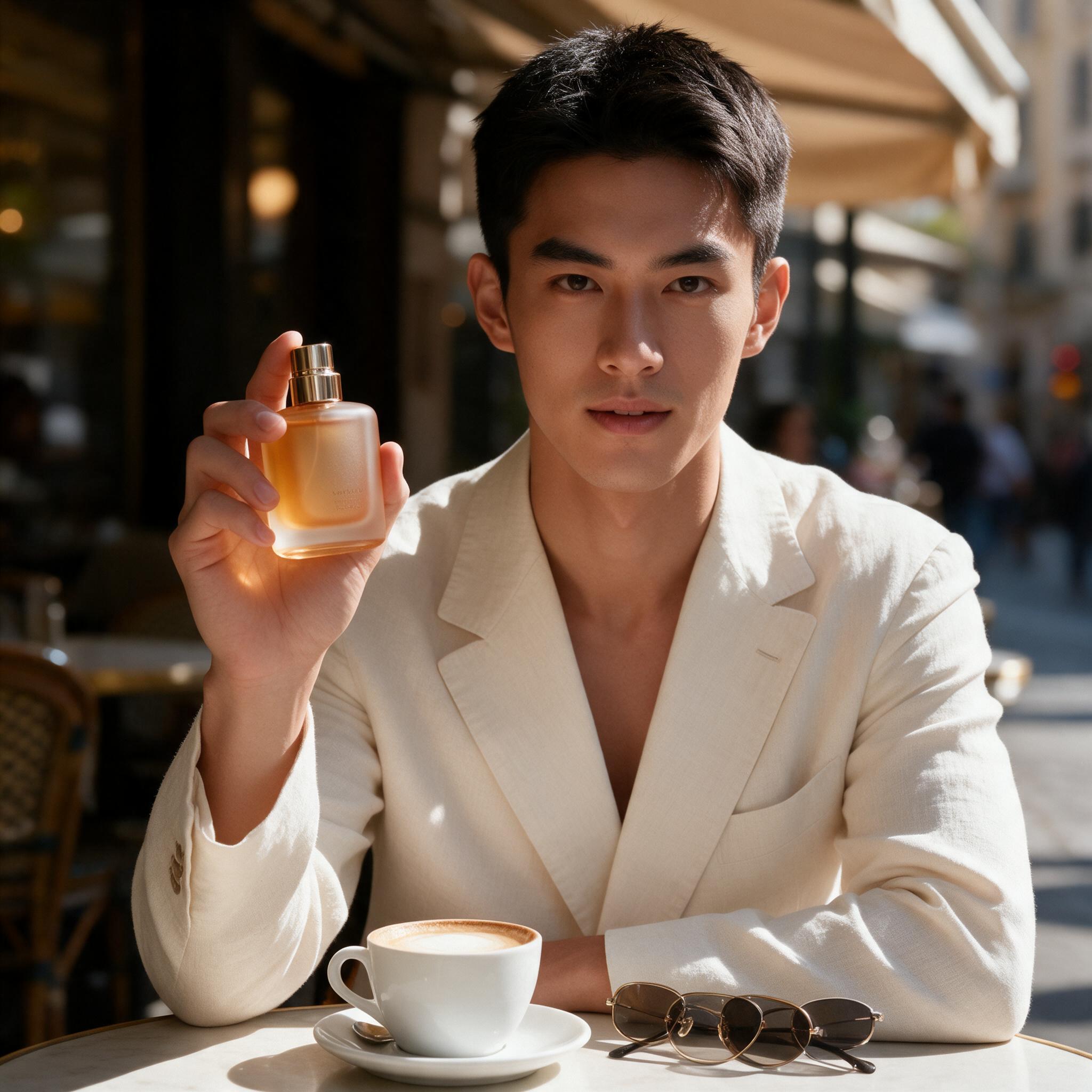
Milan Terrace Fragrance
0 words · Target ~12 words / ~20 字
Ordered refs
Product plate
Add dialogue to check this shot.
Proof Monitor
Showcase
TC 00:00:00:00
24 FPS · 9:16 SAFE AREASeedance 2.0 Fast · 5s TAKE
Reference library
The Motion Reels.
Six camera moves to borrow for your next shot.
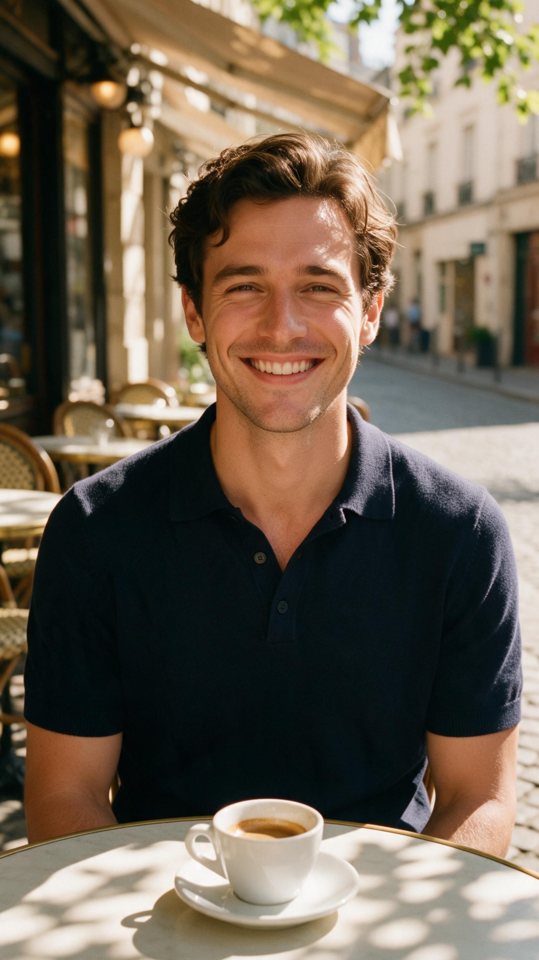
Café in Sunlight
Intimate push-in
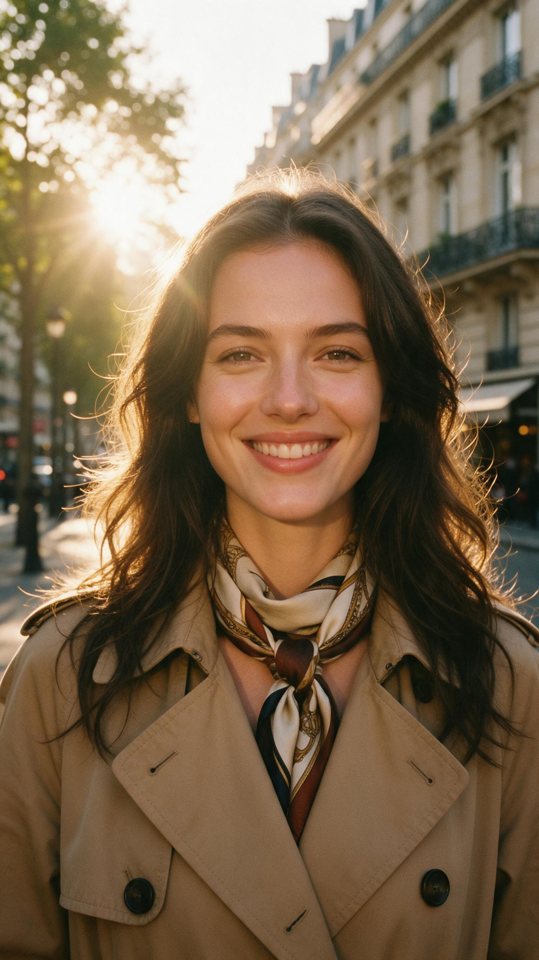
Paris on 35mm
Fashion turn
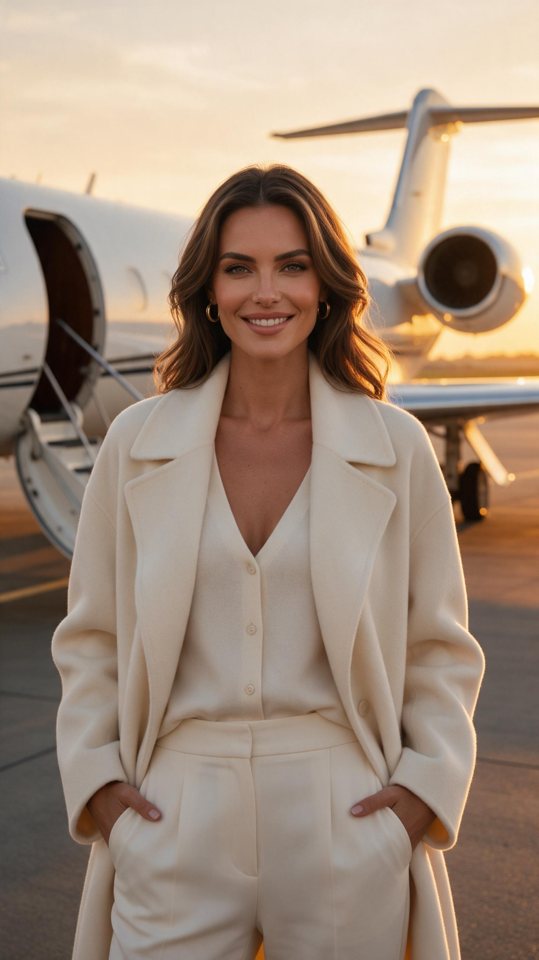
Private Jet
Tracking approach
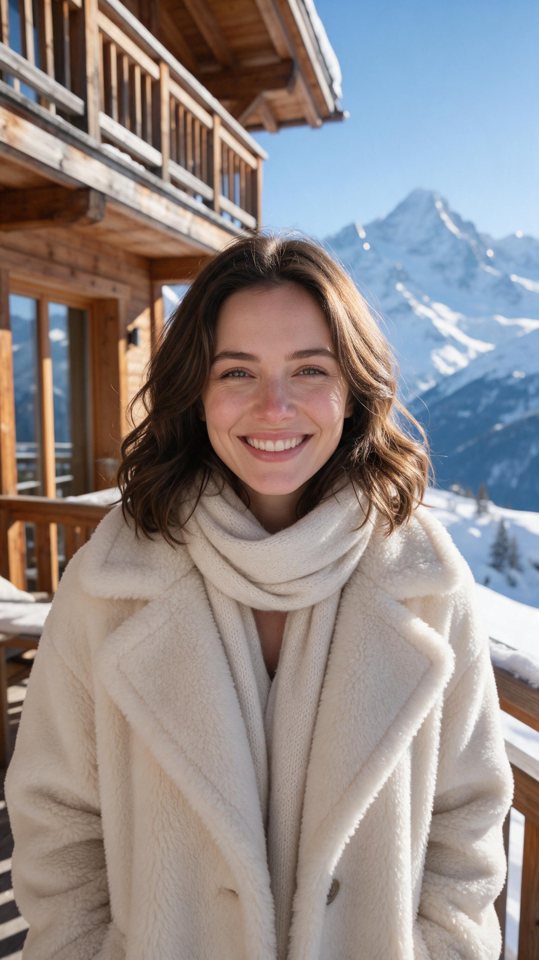
Alpine Chalet
Outerwear reveal
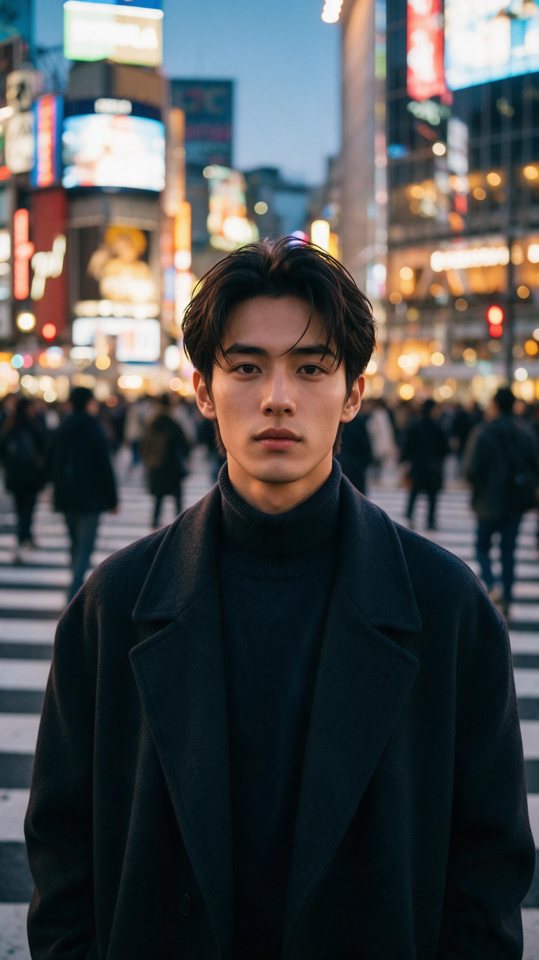
Shibuya Crossing
Slow-motion follow
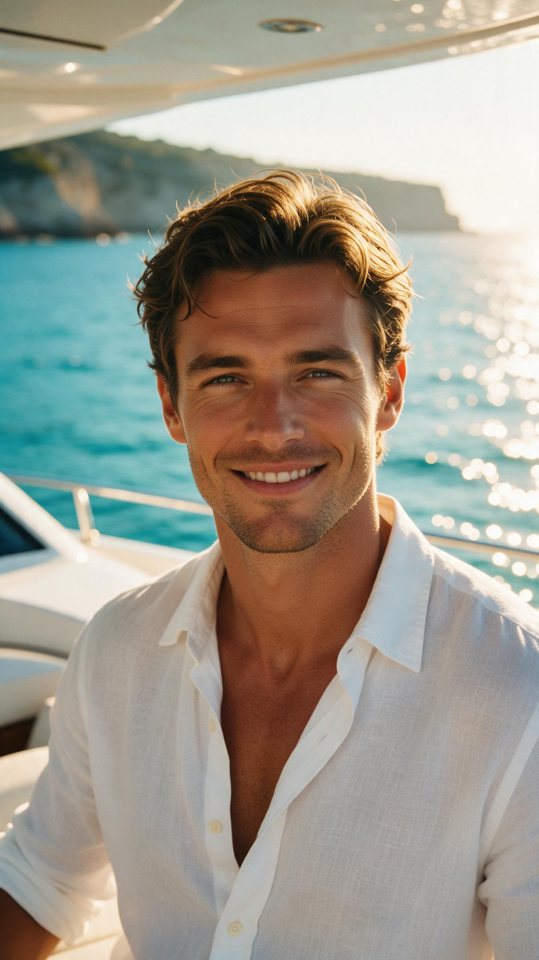
Riviera at Sunset
Deck-side glide
Technical breakdown
Mode
Ordered references
Frame
Audio
Path Control
Marked plate → optional end frame
9:16 / 16:9 / 1:1
Silent
Motion Clone
Source photo → selected motion reel
9:16
Silent
Spoken Ad
Product plate → optional 2K stage
9:16 / 16:9 / 1:1
English / Mandarin
Write for a short vertical ad
Use a clear product photo and write a short line that fits the clip. Open with the product benefit, leave time for viewers to see the pack, and finish with the action you want them to take.
Check the product and pronunciation
Listen for brand-name pronunciation and verify that the packaging, color, and label remain recognizable on a phone screen.
Questions & answers
What inputs do I need for a spoken product ad?
Upload one product photo and enter the line you want spoken. The spoken UGC preset is designed for 9:16 product videos.
Can I hear an example before I generate?
Yes. Play the serum or perfume showcase to hear an English voiceover in a short vertical product ad.
 MotionPack