Real Estate & Airbnb FPV Flythrough Video Generator from Photos
Turn a property or vacation rental photo into an FPV-style listing video. Draw an approach toward an entrance, a patio reveal, or a move through an open room.
Viewfinder
16:9 FRAME
Milan Terrace Fragrance
Ordered refs
Marked plate
Proof Monitor
Showcase
TC 00:00:00:00
24 FPS · ANAMORPHIC GUIDESSeedance 2.0 Fast · 5s TAKE
Reference library
The Motion Reels.
Six camera moves to borrow for your next shot.
Café in Sunlight
Intimate push-in
Paris on 35mm
Fashion turn
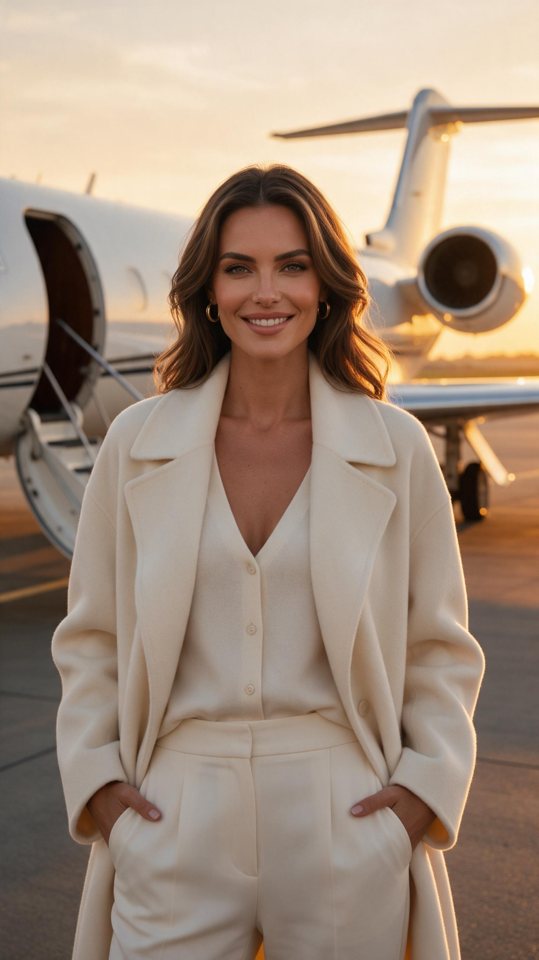
Private Jet
Tracking approach
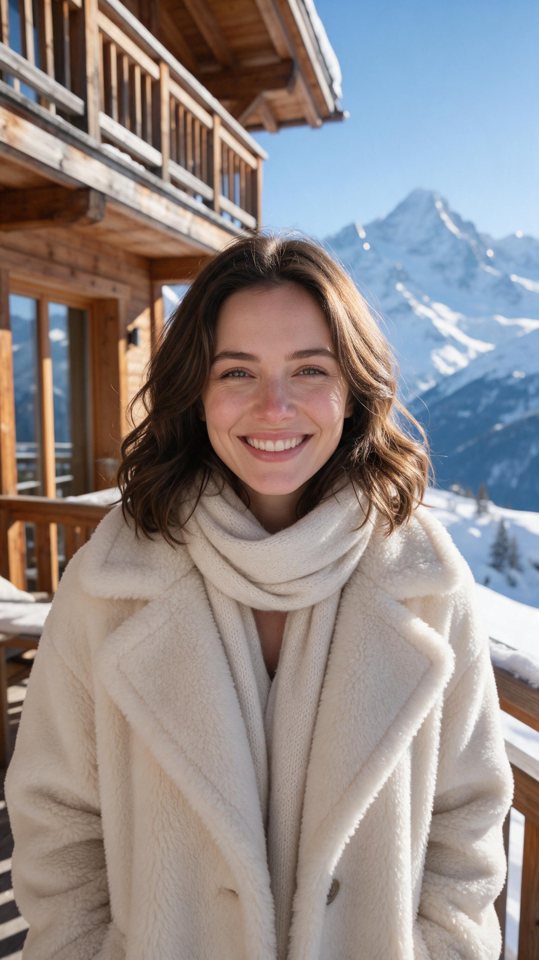
Alpine Chalet
Outerwear reveal
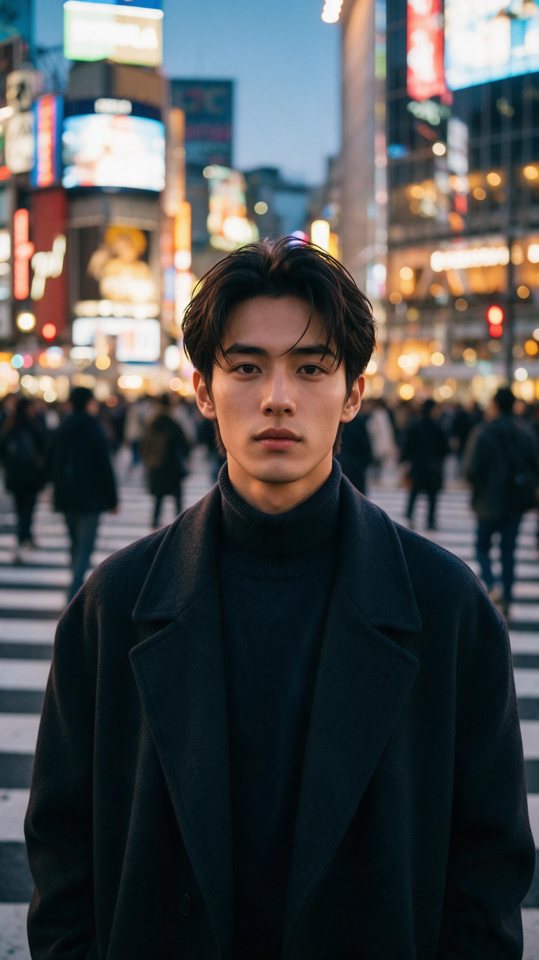
Shibuya Crossing
Slow-motion follow
Riviera at Sunset
Deck-side glide
Technical breakdown
Mode
Ordered references
Frame
Audio
Path Control
Marked plate → optional end frame
9:16 / 16:9 / 1:1
Silent
Motion Clone
Source photo → selected motion reel
9:16
Silent
Spoken Ad
Product plate → optional 2K stage
9:16 / 16:9 / 1:1
English / Mandarin
Start with a wide property photo
Use an image with a visible route past the entrance or across a room. Draw one continuous move and reserve the end of the path for the strongest listing feature.
Review the shot before publishing
Check doors, windows, and fixtures against the original listing photo. Label the shot as AI-generated when sharing it as a property preview.
Questions & answers
Do I need drone footage to make a listing flythrough?
A still property photo and a drawn path are enough to start. The result is an AI-generated FPV-style shot based on your source image.
 MotionPack