Create a One-Take FPV Reveal for a Vacation Rental
Animate a rental photo into a patio, pool and bedroom reveal for a property website or social teaser.
Viewfinder
16:9 FRAME
Milan Terrace Fragrance
Ordered refs
Marked plate
Proof Monitor
Showcase
TC 00:00:00:00
24 FPS · ANAMORPHIC GUIDESSeedance 2.0 Fast · 5s TAKE
Reference library
The Motion Reels.
Six camera moves to borrow for your next shot.
Café in Sunlight
Intimate push-in
Paris on 35mm
Fashion turn
Private Jet
Tracking approach
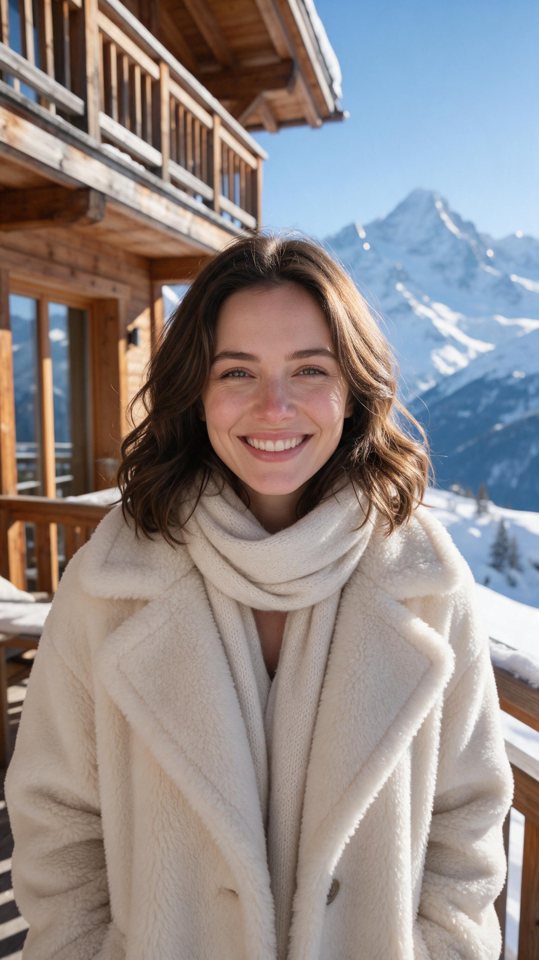
Alpine Chalet
Outerwear reveal
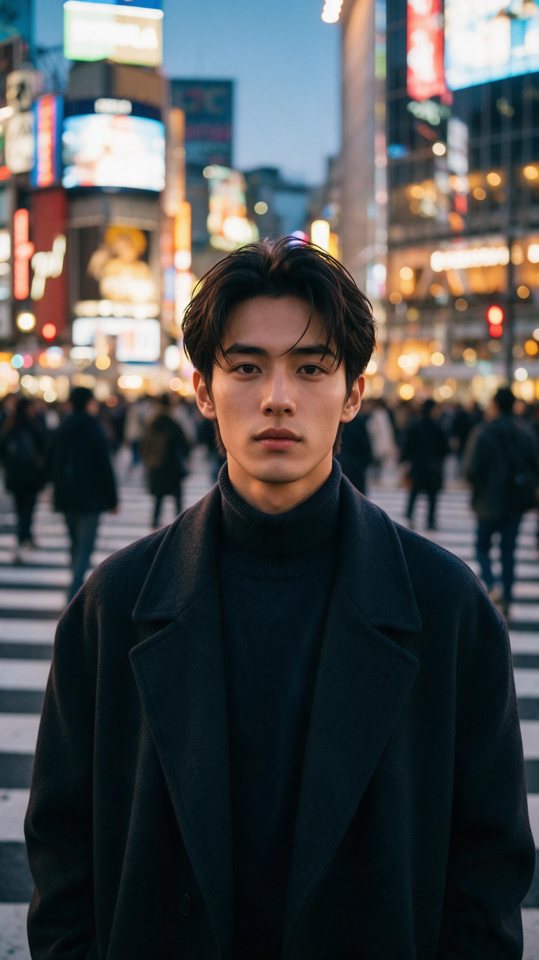
Shibuya Crossing
Slow-motion follow
Riviera at Sunset
Deck-side glide
Technical breakdown
Mode
Ordered references
Frame
Audio
Path Control
Marked plate → optional end frame
9:16 / 16:9 / 1:1
Silent
Motion Clone
Source photo → selected motion reel
9:16
Silent
Spoken Ad
Product plate → optional 2K stage
9:16 / 16:9 / 1:1
English / Mandarin
Shot recipe · patio to pool to bedroom
Start with a patio photo showing the pool edge and the open slider to the bedroom. Draw a gentle descent from the patio rail, a wide bend along the pool edge and a finish through the slider. Ease onto the bed as the final reveal. Use a ten-second Pro take when the path has three spatial beats.
Use an accurate destination frame
If the bedroom is only partly visible, open the two-frame setup and upload the matching bedroom angle. Verify the threshold and room layout against your photos. If the spaces do not connect on a credible line, make two shorter takes and edit them together.
Can a single photo show rooms behind closed doors?
Use the single-photo setup for a connected, visible path. If a destination is out of frame, use a matching end photo or produce a separate room clip. Check the result against the property before publishing.
Where can a vacation rental use the finished clip?
Plan a widescreen take for your direct-booking website and a separate vertical take for social. Check which media your booking channel accepts before uploading.
 MotionPack