Skip to content

Camera control studio

AI Camera Control Video Generator with Exact Trajectory Lock

Draw a visual trajectory for AI video and direct an FPV flythrough or a steady gimbal move. Set where the camera starts, turns, and ends.

Viewfinder

16:9 FRAME
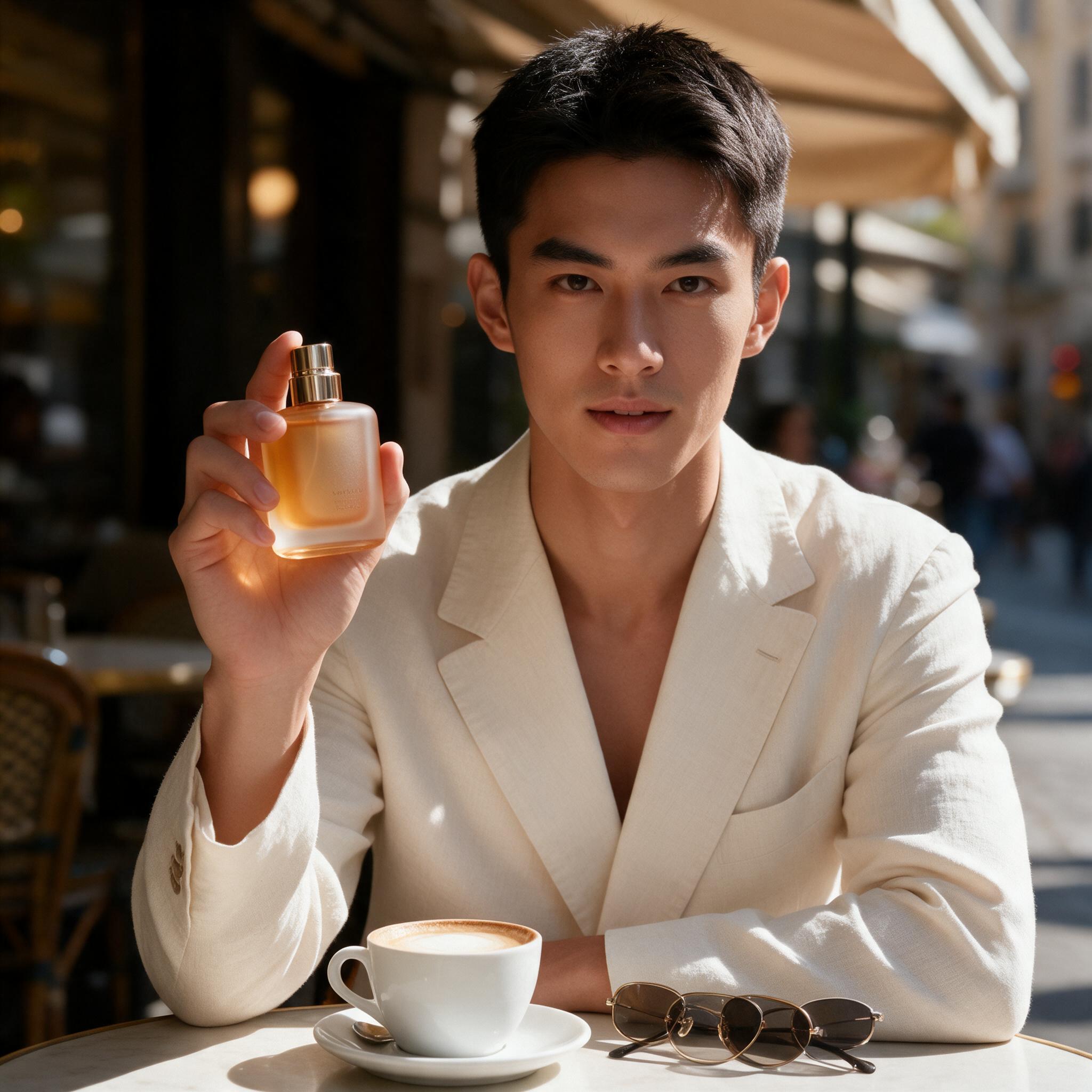
Milan Terrace Fragrance
Ordered refs

Marked plate

Proof Monitor

Showcase
TC 00:00:00:00
24 FPS · ANAMORPHIC GUIDESSeedance 2.0 Fast · 5s TAKE

Reference library

The Motion Reels.

Six camera moves to borrow for your next shot.

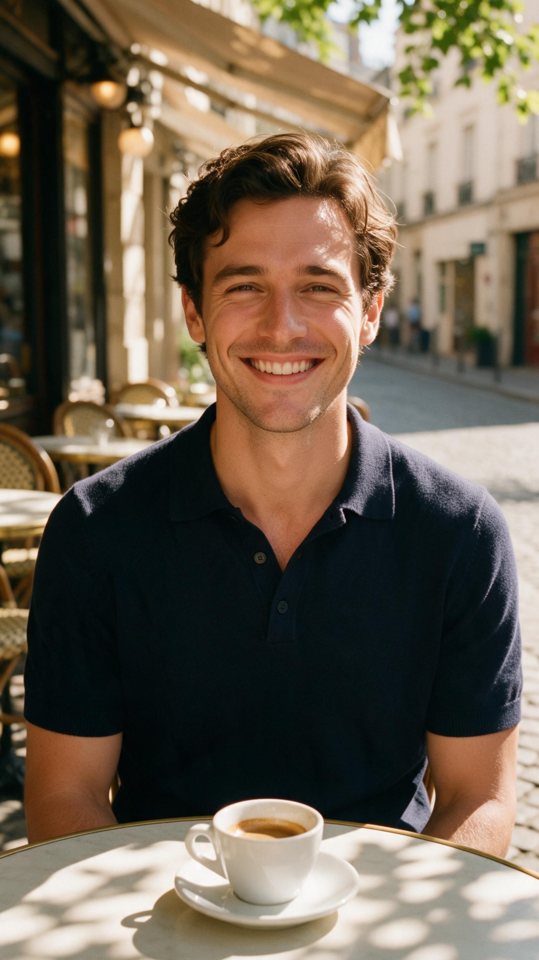
Café in Sunlight

Café in Sunlight

Intimate push-in

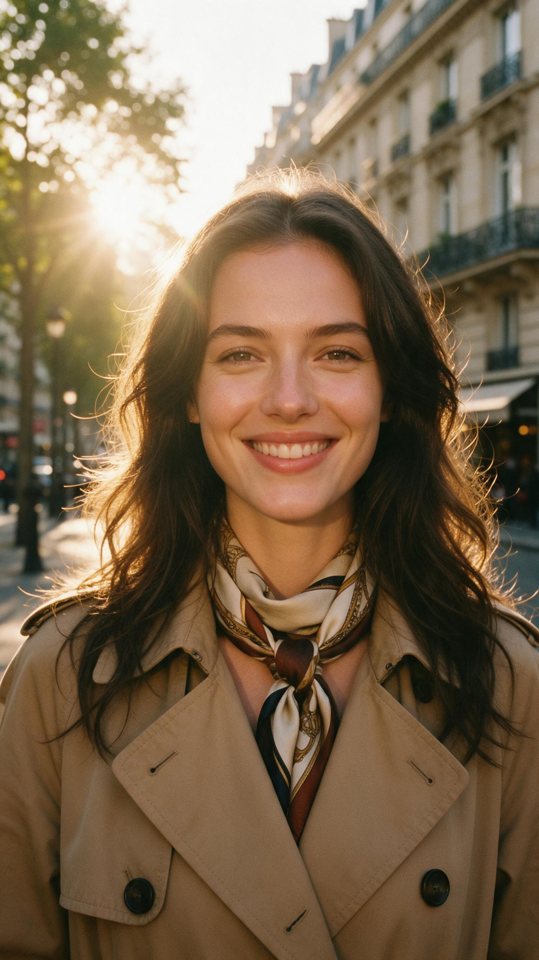
Paris on 35mm

Paris on 35mm

Fashion turn

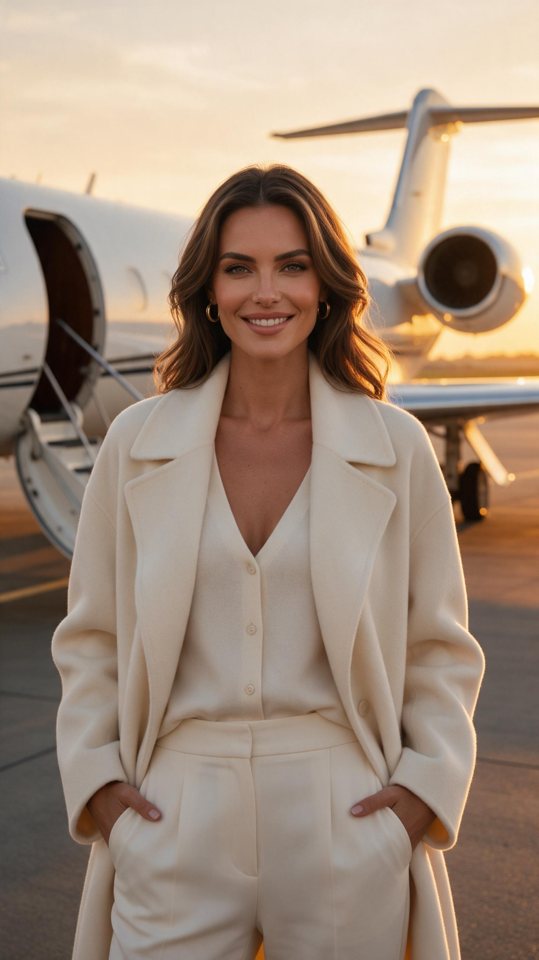
Private Jet

Private Jet

Tracking approach

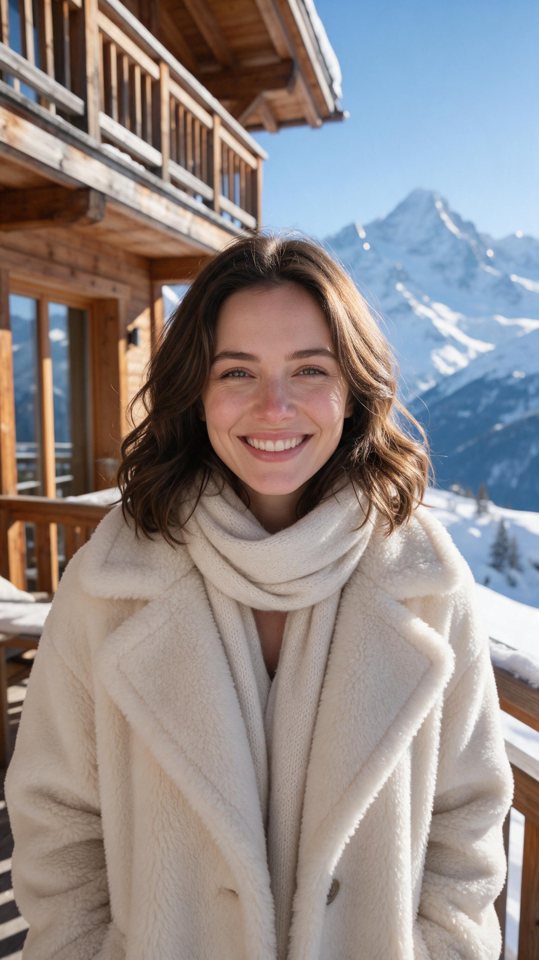
Alpine Chalet

Alpine Chalet

Outerwear reveal

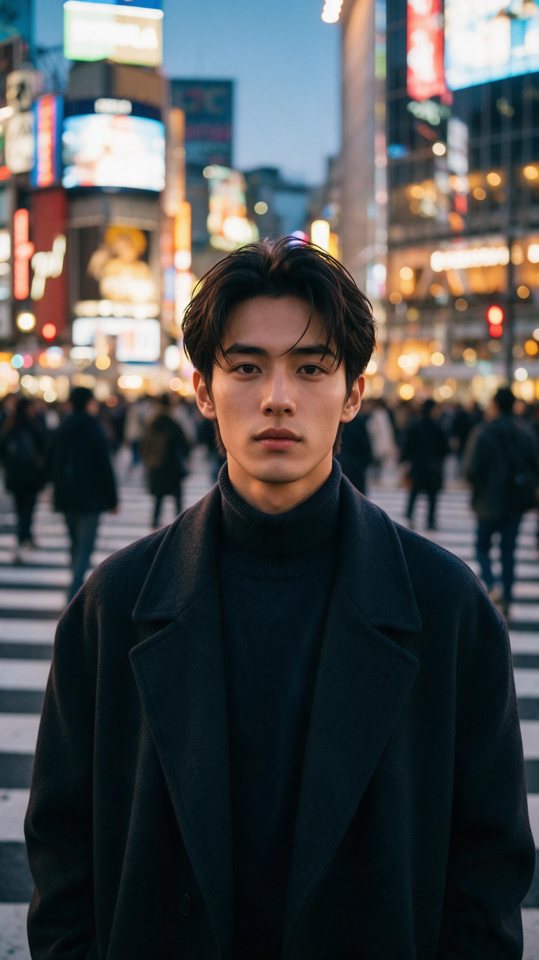
Shibuya Crossing

Shibuya Crossing

Slow-motion follow

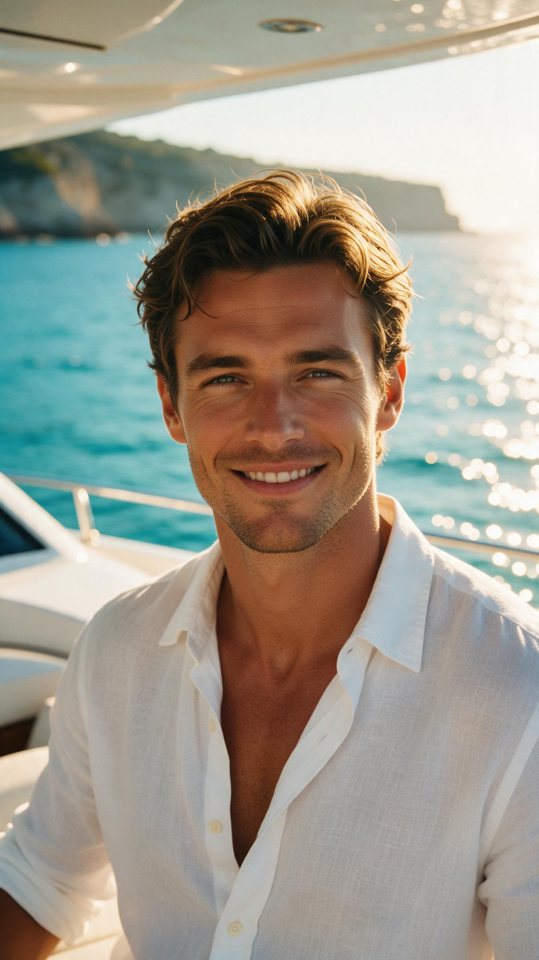
Riviera at Sunset

Riviera at Sunset

Deck-side glide

Technical breakdown

ModeOrdered referencesFrameAudio
Path ControlMarked plate → optional end frame9:16 / 16:9 / 1:1Silent
Motion CloneSource photo → selected motion reel9:16Silent
Spoken AdProduct plate → optional 2K stage9:16 / 16:9 / 1:1English / Mandarin

Commercial video tools

Video buyer guides

Draw the move on your photo

Mark a start, a finish, and any clear bends along the passage the camera should follow. Use the prompt to specify camera height, speed, and the subject to keep in frame.

Choose FPV or gimbal movement

For FPV, give the camera a clear flight corridor and describe how it banks through a turn. For a gimbal shot, hold a level horizon and ease in and out of the movement.

Questions & answers

What does trajectory lock control?

The drawn path gives the generator explicit start, turn, and end points. The prompt adds framing and pacing. Review the preview to see how closely the generated shot follows your path.

Can I make a gimbal shot from one still image?

Yes. Start from one image, draw a short push or slide, and specify a level horizon and a subject to hold in frame.