Turn a Studio Photo into a Vertical Fashion Lookbook
Transfer a 9:16 editorial camera move to a fashion still with the Paris on 35mm reference reel already selected.
Viewfinder
9:16 FRAME
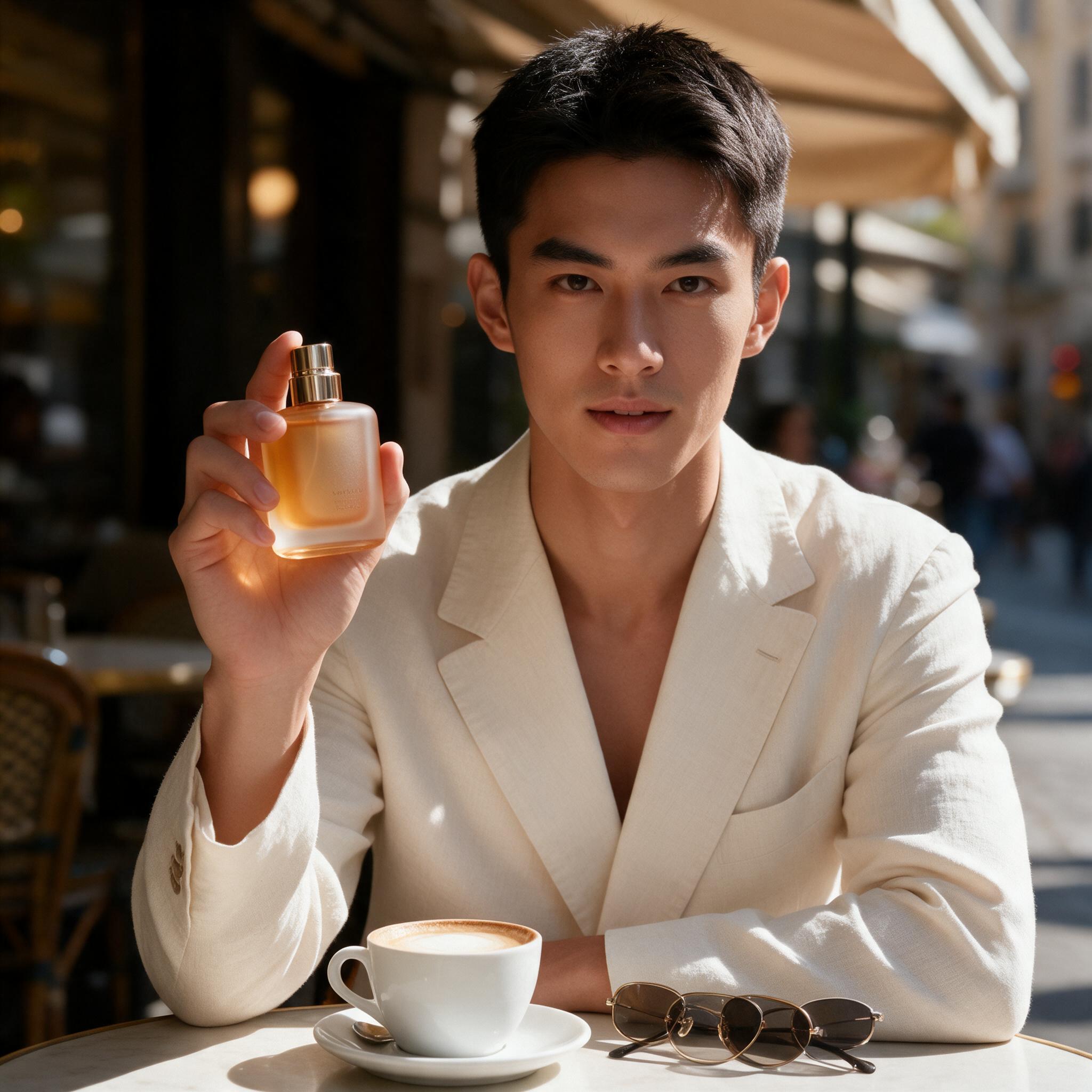
Milan Terrace Fragrance
Ordered refs
Source photo → Motion reel
Proof Monitor
Reference reel
TC 00:00:00:00
24 FPS · 9:16 SAFE AREASeedance 2.0 Fast · 5s TAKE
Reference library
The Motion Reels.
Six camera moves to borrow for your next shot.
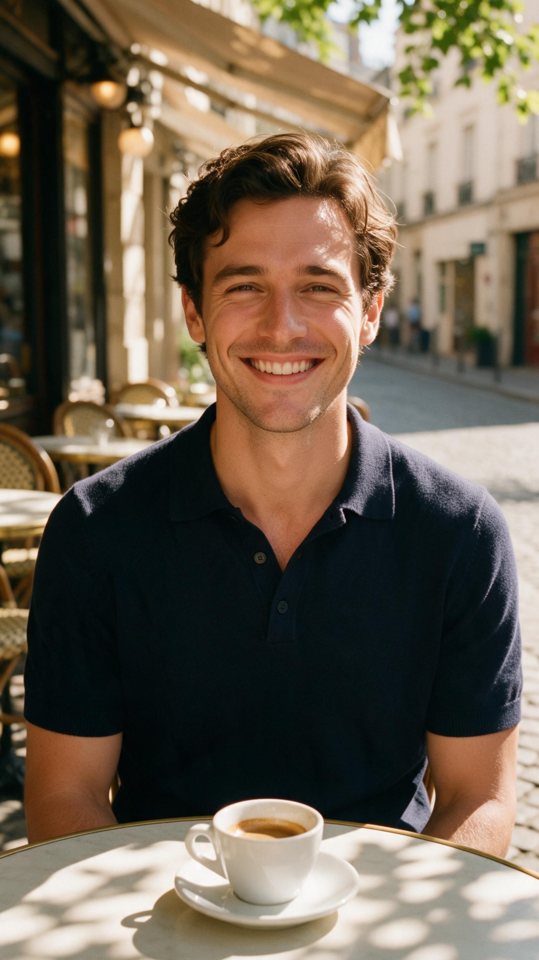
Café in Sunlight
Intimate push-in
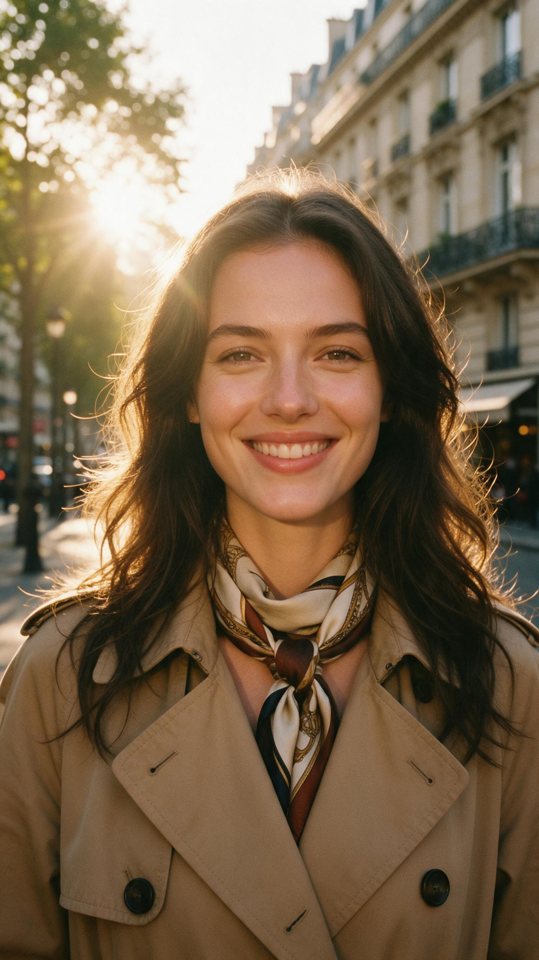
Paris on 35mm
Fashion turn
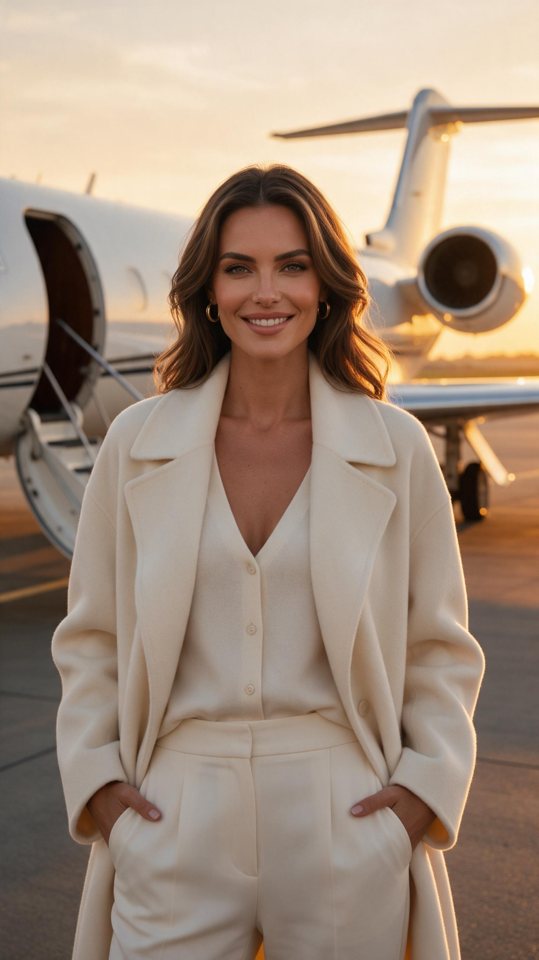
Private Jet
Tracking approach
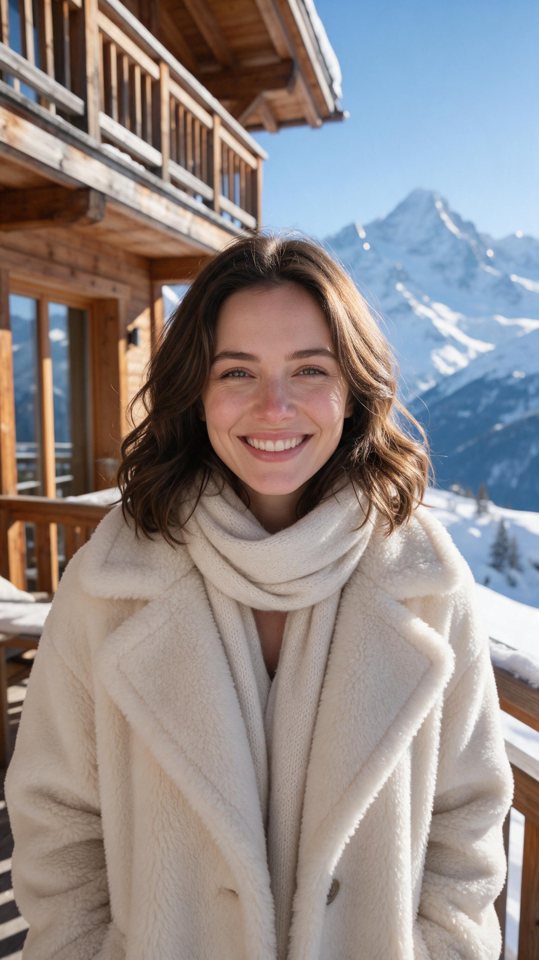
Alpine Chalet
Outerwear reveal
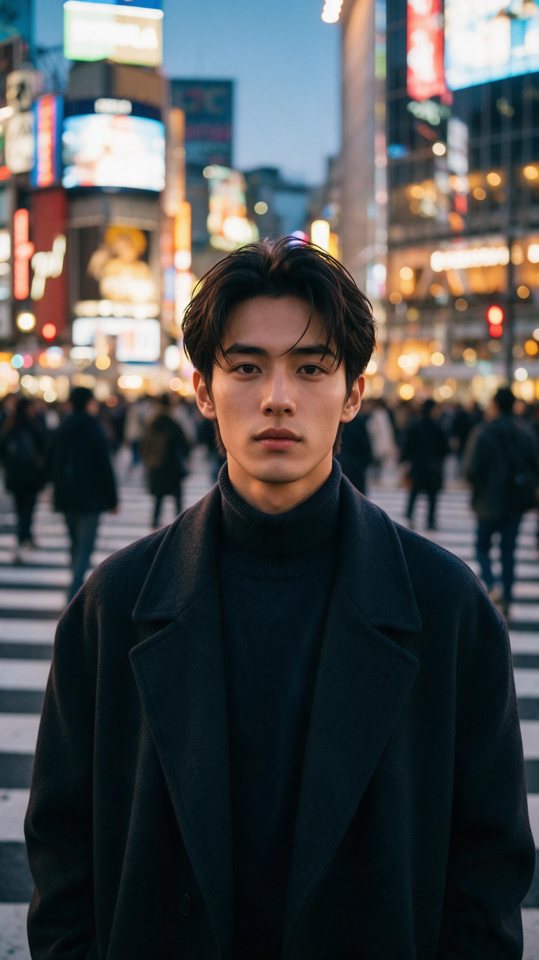
Shibuya Crossing
Slow-motion follow
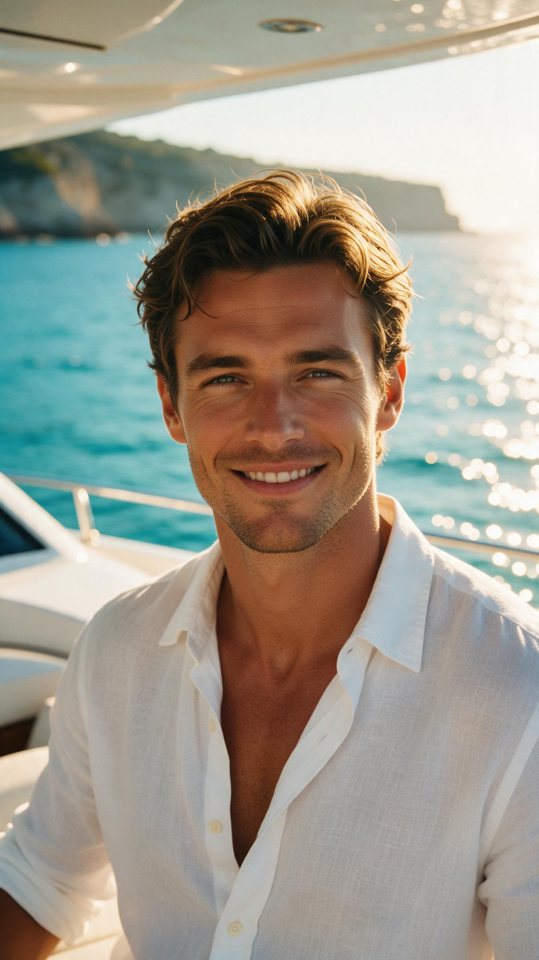
Riviera at Sunset
Deck-side glide
Technical breakdown
Mode
Ordered references
Frame
Audio
Path Control
Marked plate → optional end frame
9:16 / 16:9 / 1:1
Silent
Motion Clone
Source photo → selected motion reel
9:16
Silent
Spoken Ad
Product plate → optional 2K stage
9:16 / 16:9 / 1:1
English / Mandarin
Shot recipe · editorial turn for a tailored coat
Start with a full-length studio photo where the model, hem and shoes fit inside a 9:16 crop. Use the Paris on 35mm reel to borrow the turn and pacing. Check the end pose against the original silhouette, then inspect the seams, buttons and fabric pattern throughout.
Keep a collection cut consistent
Run one take per look using the same camera reference and crop. Cut the accepted takes on matching turns. If a pose hides the garment’s main detail, choose a different reel or crop from the original still before rerendering.
What does Motion Clone copy from the fashion reel?
It uses the reel as a reference for camera movement, timing and blocking. Your photo supplies the garment and subject. Check both for consistency before export.
Can I use the fashion reel for a widescreen clip?
Motion Clone uses 9:16 reference reels. For a widescreen lookbook detail, use Path Control and select a 16:9 frame.
 MotionPack