Create a Car Walkaround from Exterior and Interior Photos
Guide an exterior tracking arc toward an open driver door and use a cabin photo to anchor the final reveal.
Viewfinder
16:9 FRAME
Milan Terrace Fragrance
Ordered refs
Marked plate
Place two waypoints and add an end frame when using the room cut.
Proof Monitor
Showcase
TC 00:00:00:00
24 FPS · ANAMORPHIC GUIDESSeedance 2.0 Fast · 5s TAKE
Reference library
The Motion Reels.
Six camera moves to borrow for your next shot.
Café in Sunlight
Intimate push-in
Paris on 35mm
Fashion turn
Private Jet
Tracking approach
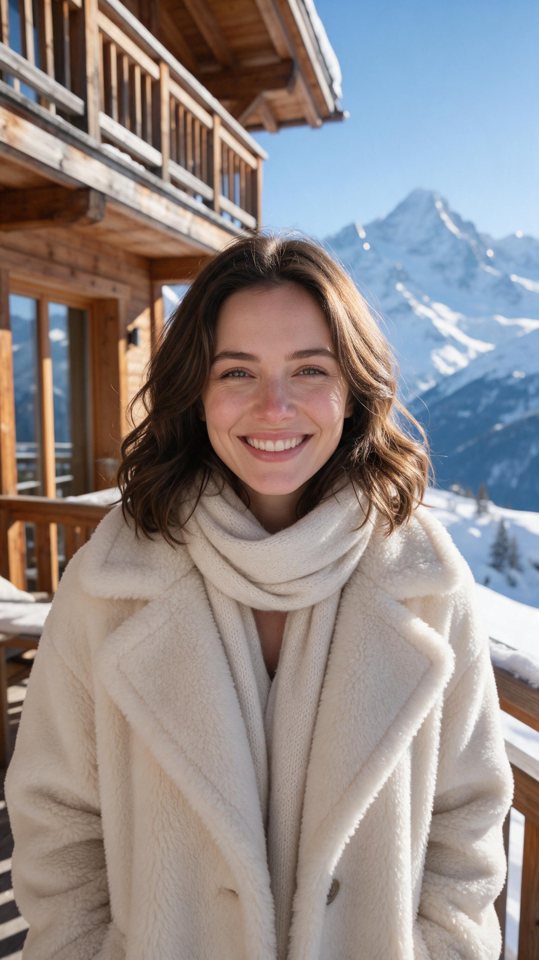
Alpine Chalet
Outerwear reveal
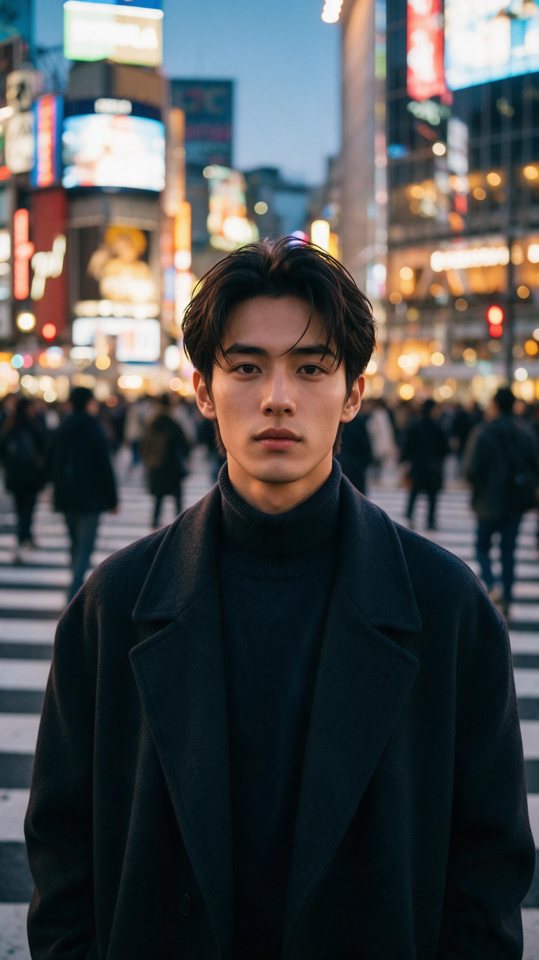
Shibuya Crossing
Slow-motion follow
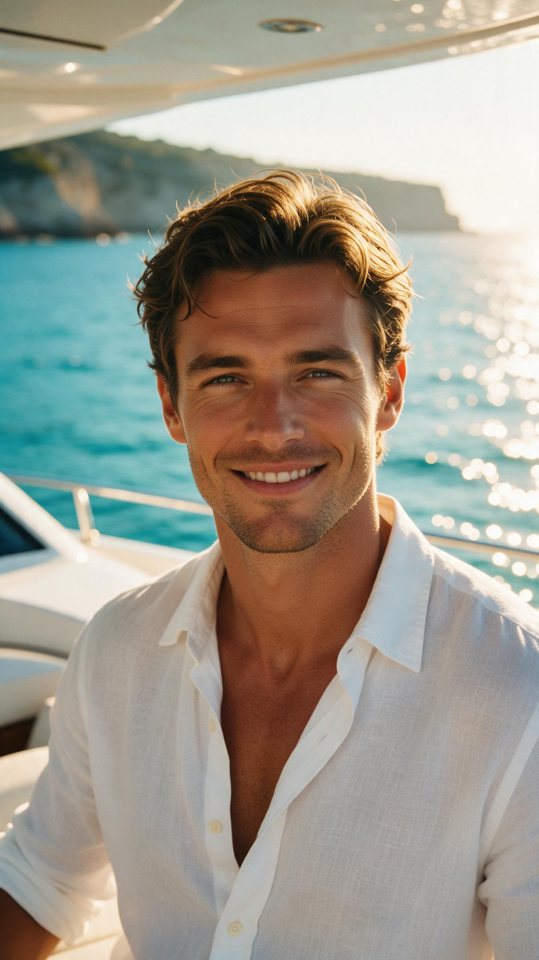
Riviera at Sunset
Deck-side glide
Technical breakdown
Mode
Ordered references
Frame
Audio
Path Control
Marked plate → optional end frame
9:16 / 16:9 / 1:1
Silent
Motion Clone
Source photo → selected motion reel
9:16
Silent
Spoken Ad
Product plate → optional 2K stage
9:16 / 16:9 / 1:1
English / Mandarin
Shot recipe · front quarter to cockpit
Upload a front three-quarter inventory photo of a parked car with the driver door open. Upload a cabin end frame of the same VIN, trim and upholstery from the doorway. Start at the front wheel, track along the beltline and bend through the open door to land on the cockpit.
Verify the inventory details before publishing
Choose a ten-second Pro take for the full arc, then check the badges, wheels, seat stitching and display in the proof monitor. If the door transition drifts, shorten the arc or publish two passes with a clean edit at the doorway.
 MotionPack