Generate a 35mm-Style Jewelry or Watch Macro Video
Guide a specular 35mm-style macro dolly or a slow product orbit from a jewelry or watch photo.
Viewfinder
16:9 FRAME
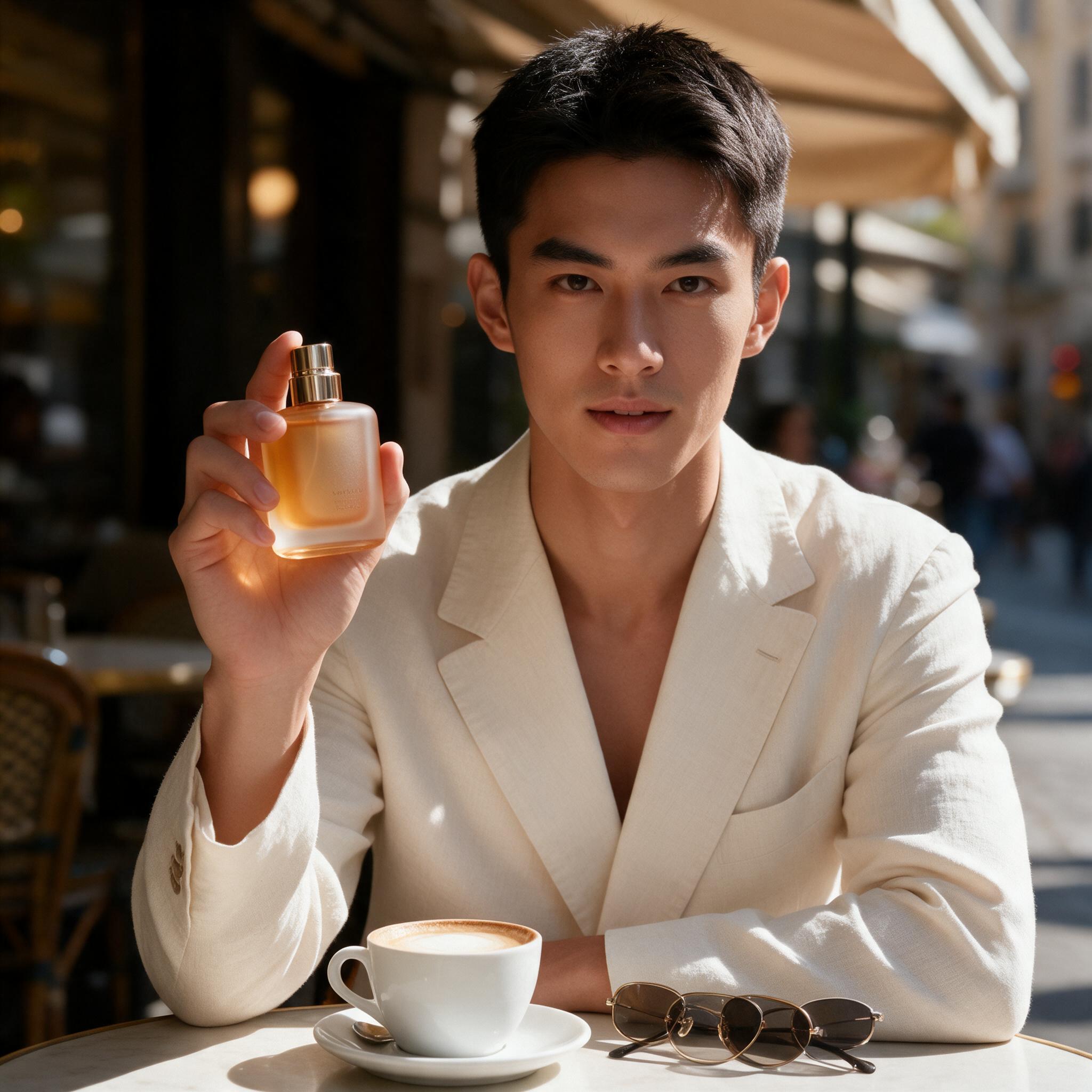
Milan Terrace Fragrance
Ordered refs
Marked plate
Proof Monitor
Showcase
TC 00:00:00:00
24 FPS · ANAMORPHIC GUIDESSeedance 2.0 Fast · 5s TAKE
Reference library
The Motion Reels.
Six camera moves to borrow for your next shot.
Café in Sunlight
Intimate push-in
Paris on 35mm
Fashion turn
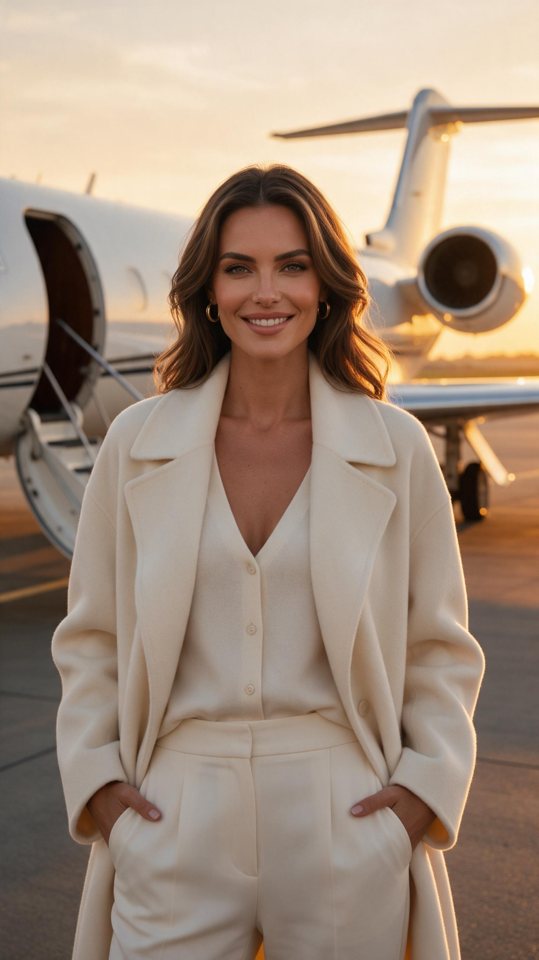
Private Jet
Tracking approach
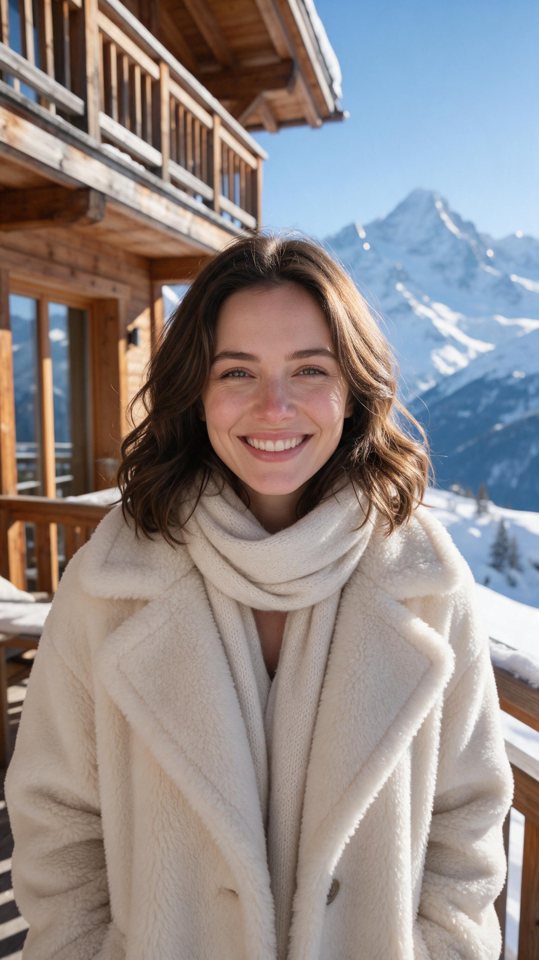
Alpine Chalet
Outerwear reveal
Shibuya Crossing
Slow-motion follow
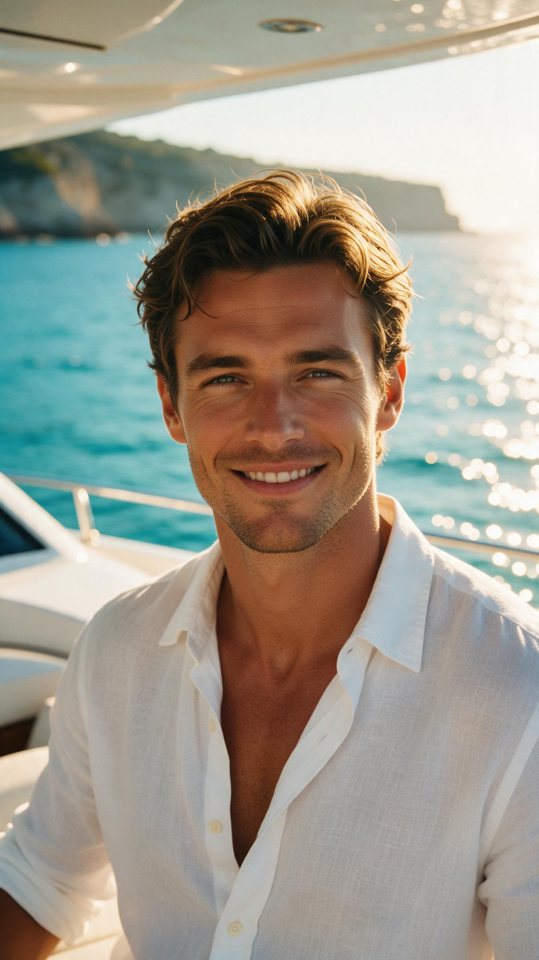
Riviera at Sunset
Deck-side glide
Technical breakdown
Mode
Ordered references
Frame
Audio
Path Control
Marked plate → optional end frame
9:16 / 16:9 / 1:1
Silent
Motion Clone
Source photo → selected motion reel
9:16
Silent
Spoken Ad
Product plate → optional 2K stage
9:16 / 16:9 / 1:1
English / Mandarin
Shot recipe · brush a highlight across a watch bezel
Upload a sharp three-quarter photo showing the bezel and dial, with one clean strip of reflected light. Mark a short approach from the outer bezel to the crown or engraved index. Hold the endpoint so viewers can read the dial.
Use an orbit to show the setting
For a ring, run the orbit from a still that shows both the face and the prongs. Keep the arc tight to the visible face. Inspect stone count, settings, dial numerals and engraving through the entire take.
Does the macro preset reproduce a physical 35mm lens?
35mm describes the intended camera style. You control the path on the photo, and the model synthesizes the shift in perspective, focus and reflections.
How do I keep engravings and stones accurate?
Start from a high-detail photo, shorten the path and keep the labeled surface visible. Use real detail footage for any design feature the generated frames alter.
 MotionPack